

RAW Time-Lapse in ReeLapse
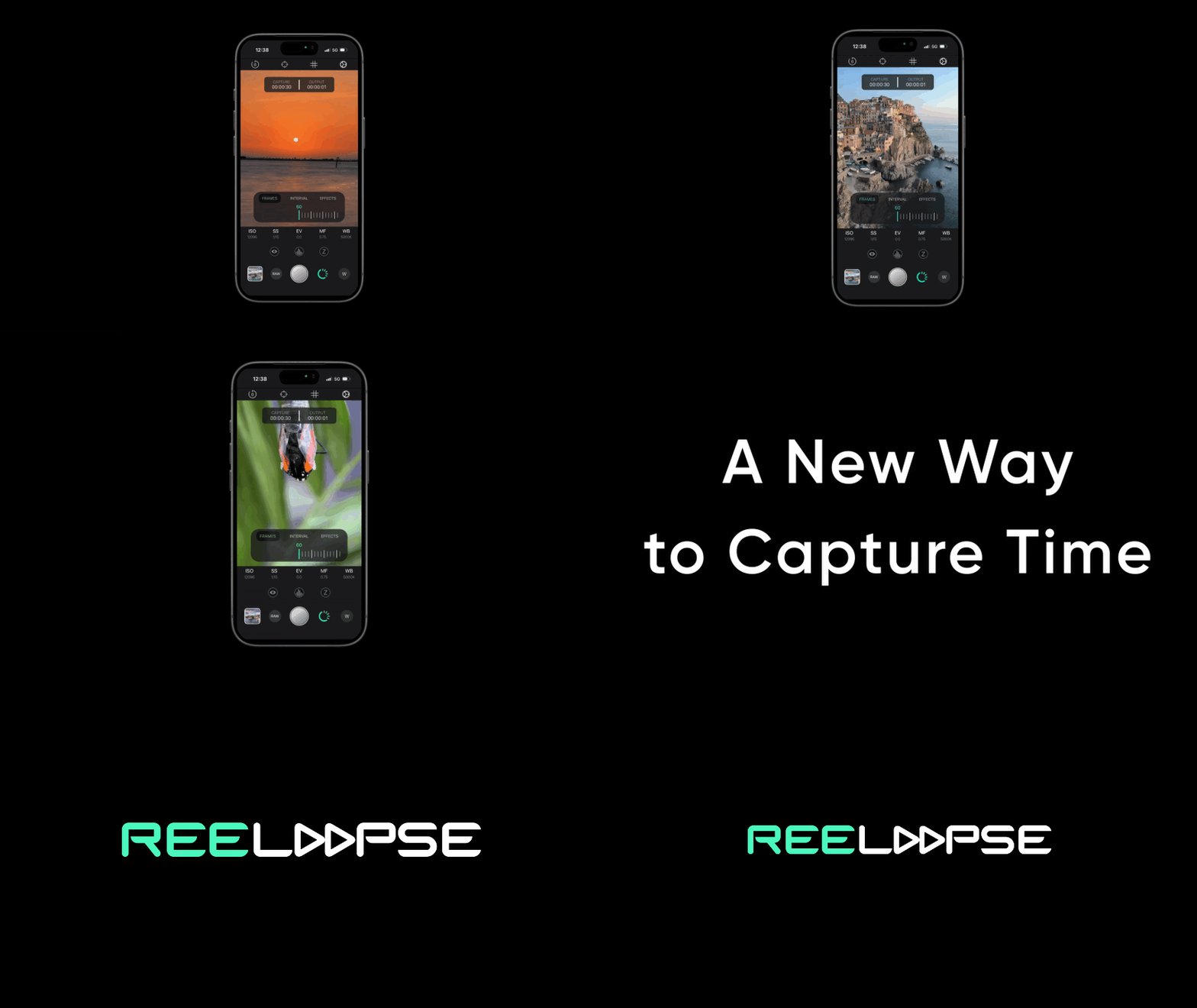
ReeLapse 2.1 introduces RAW frame capture for time-lapse, giving creators access to the original frame sequence before the final video is rendered.
More Than a Finished Video
Most mobile time-lapse workflows end with a rendered video. That is fast and convenient, but it also limits how much control you have once the capture is complete.
With ReeLapse 2.1, you can now capture the individual frames that make up your time-lapse in RAW format. The app automatically saves the sequence inside the ReeLapse folder in the iOS Files app, making it easier to export the frames to desktop and continue the editing process with dedicated post-production software.
The RAW Frame Workflow
ReeLapse keeps the capture process mobile while giving you access to the source frames for more detailed editing before the final time-lapse is assembled.
Capture in RAW
Set your interval, frame count, exposure, focus, and white balance, then capture the time-lapse sequence as individual RAW frames.
Find the Sequence
ReeLapse automatically stores the captured frames inside the ReeLapse folder in the iOS Files app.
Edit on Desktop
Export the folder to your computer and refine the frames in dedicated post-production software before rendering the final video.
Why RAW Frames Matter
Time-lapse sequences often include changing light, shifting colors, strong contrast, and subtle exposure transitions. Having access to the RAW frames gives creators more room to refine the final result before the sequence is rendered into a video.
Changing Light
Useful for sunsets, sunrises, low-light transitions, and scenes where exposure changes over time.
Color Grading
Work from the source frames when color, contrast, highlights, and shadows need more careful control.
Desktop Editing
Move the sequence into a post-production workflow when the final result needs more flexibility than a finished mobile render.
Start Creating RAW Time-Lapses
Create your time-lapse in ReeLapse, keep the original RAW frame sequence, and bring your project into a more flexible editing workflow when the final result needs greater control.
Download ReeLapse