





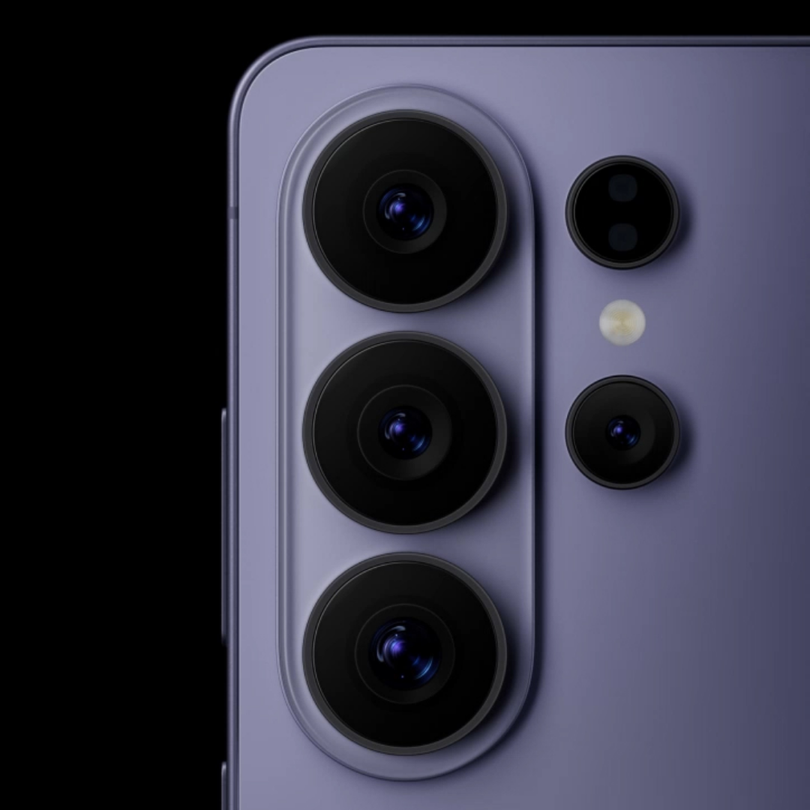

How to Photograph the August 2026 “Blood Moon” Lunar Eclipse on iPhone
When to see the deep partial lunar eclipse, where to photograph it, and how to capture it with your iPhone Pro.
What Makes the August 2026 Lunar Eclipse Special
On August 28, the full Moon will pass deep into Earth's shadow. At greatest eclipse, 96.3% of the Moon's disk will be inside Earth's umbra, making this one of the deepest partial lunar eclipses of the year. [1]
Greatest eclipse occurs at 04:13 UTC, only minutes before the exact full Moon. A small portion of the lunar disk remains directly illuminated, which is why the eclipse remains partial rather than becoming total. [1] [3]
The term is normally associated with total lunar eclipses, but this event gets extremely close. NASA notes that as the eclipse deepens, observers should be able to perceive the coppery color of the portion of the Moon inside Earth's umbra. [1]
See How the Eclipse Will Unfold
NASA's visualization shows the Moon moving through Earth's penumbra and umbra toward maximum eclipse.
Visualization: NASA Scientific Visualization Studio. View the original NASA resource .
When to Photograph the Lunar Eclipse
The visually dramatic partial phase begins when the Moon enters Earth's umbra. NASA lists the following eclipse contacts in Universal Time. [2]
UTC
UTC
UTC
UTC
UTC
Greatest Eclipse Around the World
Greatest eclipse occurs at 04:13 UTC. Here is what that means across some of the world's main time zones.
These conversions use the local civil time in effect on August 27–28, 2026. Visibility, Moon altitude and moonset time still depend on your exact location.
Where Will the Eclipse Be Visible?
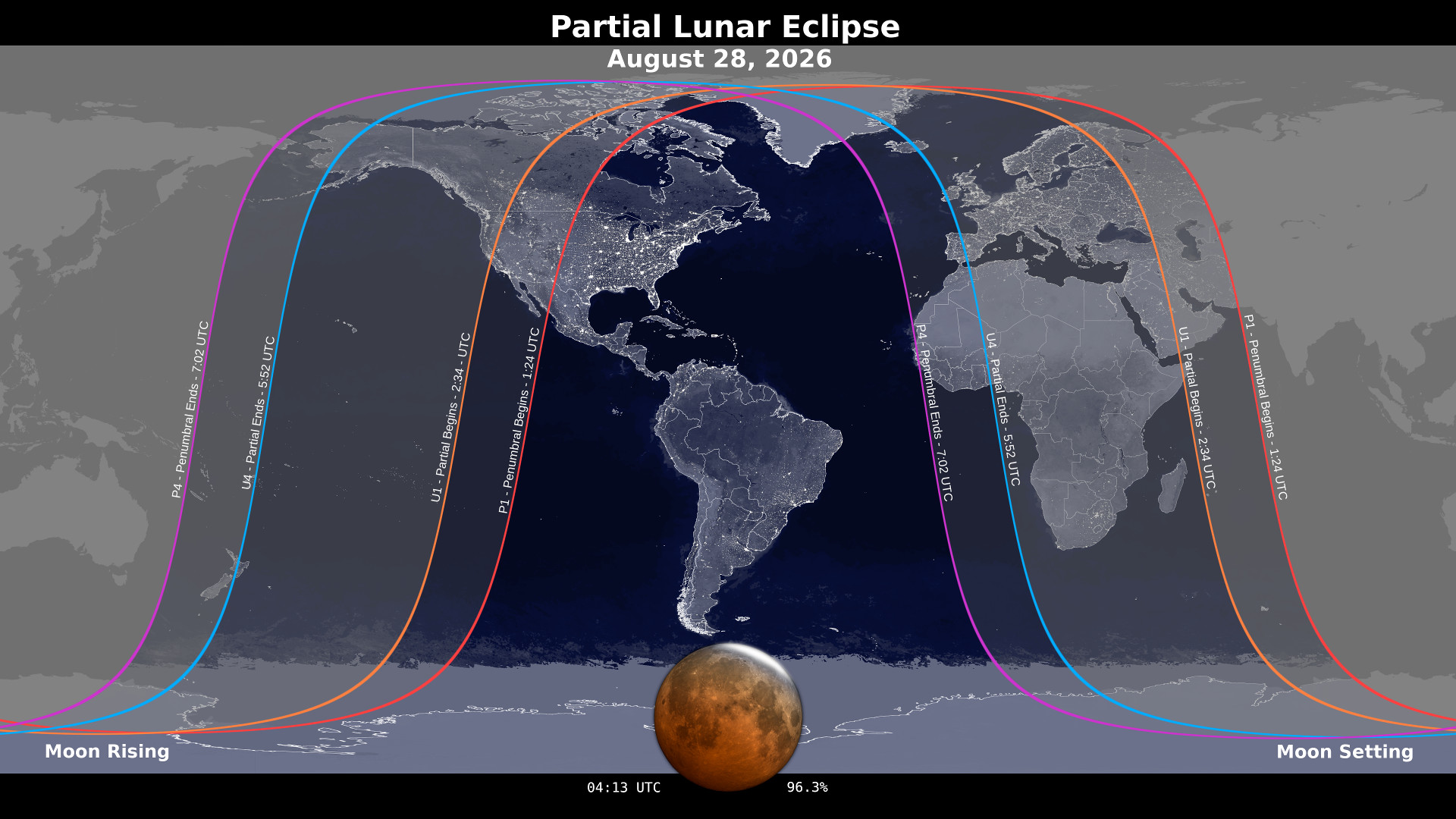
NASA shows the deepest phase as visible across much of the Americas, western Europe and western Africa. Use the official map below to check your part of the world. [1]
Prioritize tighter lunar frames and the progression of Earth's shadow across the surface.
Look for architecture, mountains, skylines or coastline to build the eclipse into a wider composition.
How to Photograph the Eclipse on iPhone
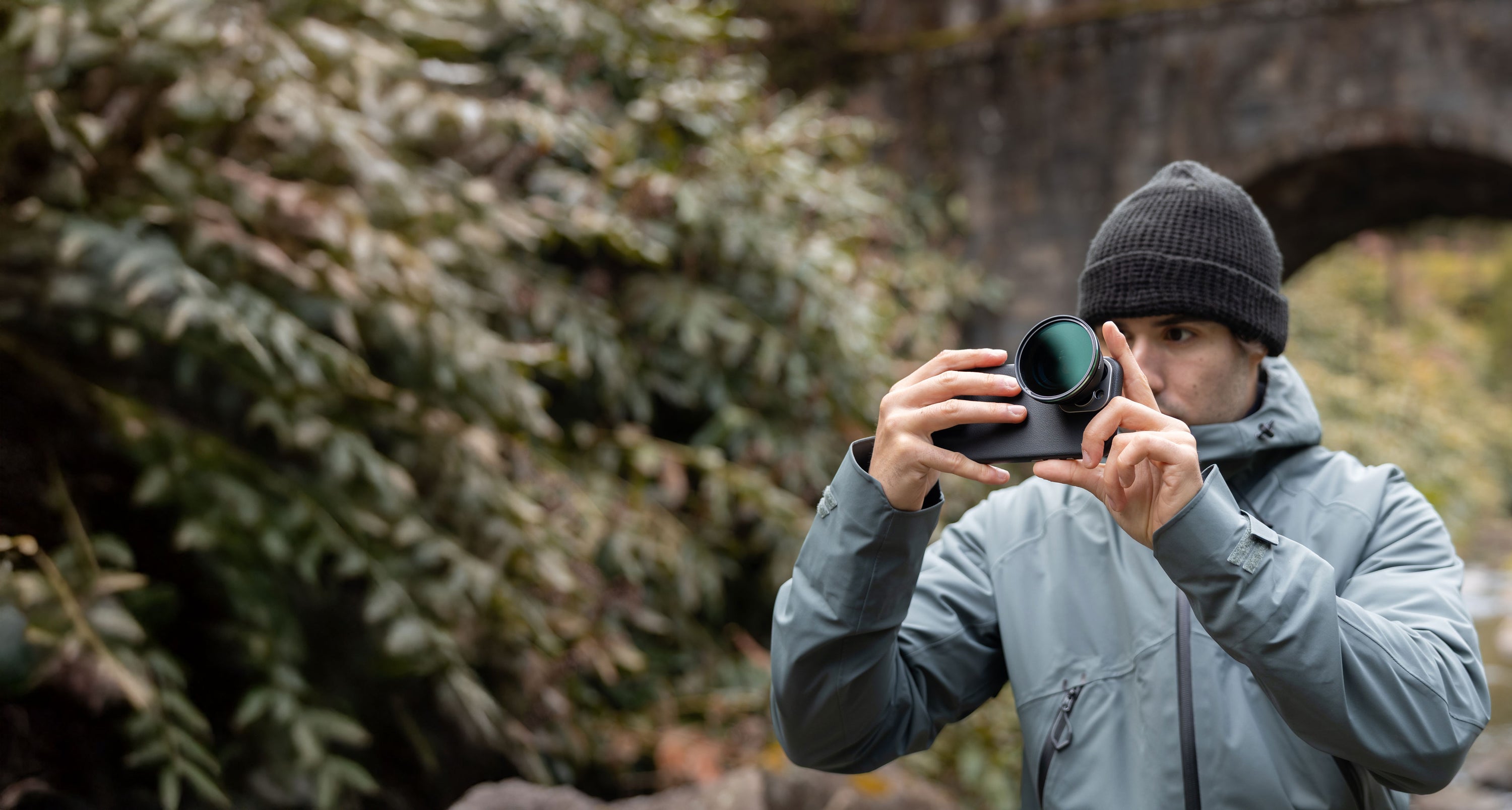
You don't need a dedicated astrophotography rig. Planning, stability, manual control and enough optical reach can make the biggest difference.
Plan the Location First
Check where the Moon will be and whether you have a clear view. If it will be low, look for buildings, mountains, trees or a coastline that can become part of the image. NASA recommends scouting both location and composition in advance. [5]
Keep Your iPhone Stable
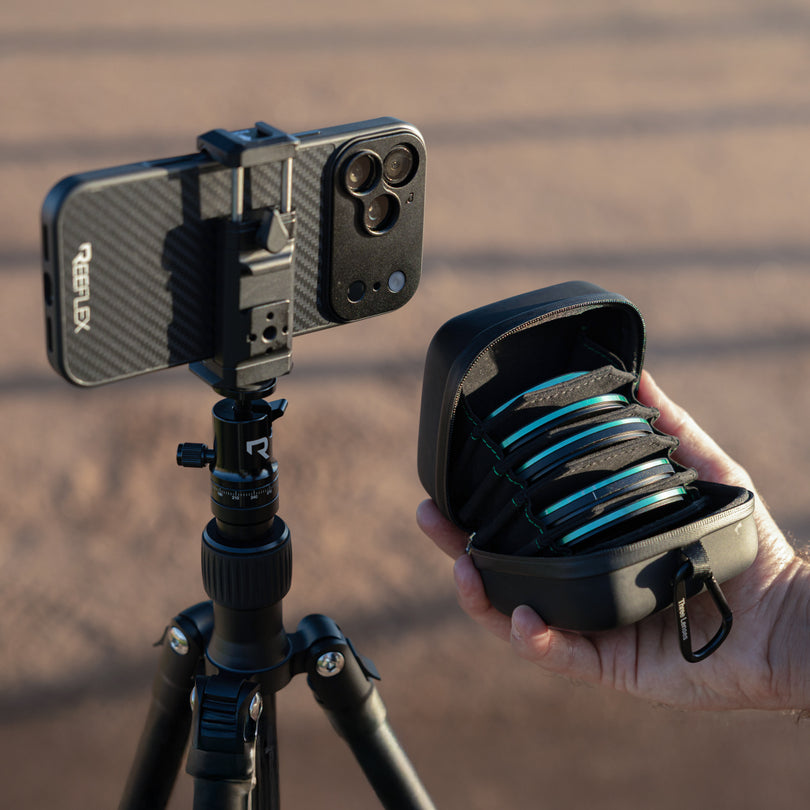
At 300–600mm, tiny movements become visible. Use a tripod and a short timer so you are not touching the phone when the photo is taken. Stability becomes increasingly important as the Moon darkens. [4]
Take Control of Exposure
The Moon changes dramatically in brightness as the eclipse progresses. Start with a low ISO and relatively fast shutter while the surface is bright, then adjust progressively as the Moon moves deeper into the umbra.
On iPhone 17 Pro, the telephoto camera has a fixed f/2.8 aperture, so exposure is controlled primarily through shutter speed and ISO. [6]
These are starting points, not fixed settings. Review the image as the eclipse progresses and adjust shutter speed and ISO to match the changing brightness.
Focus on the Moon
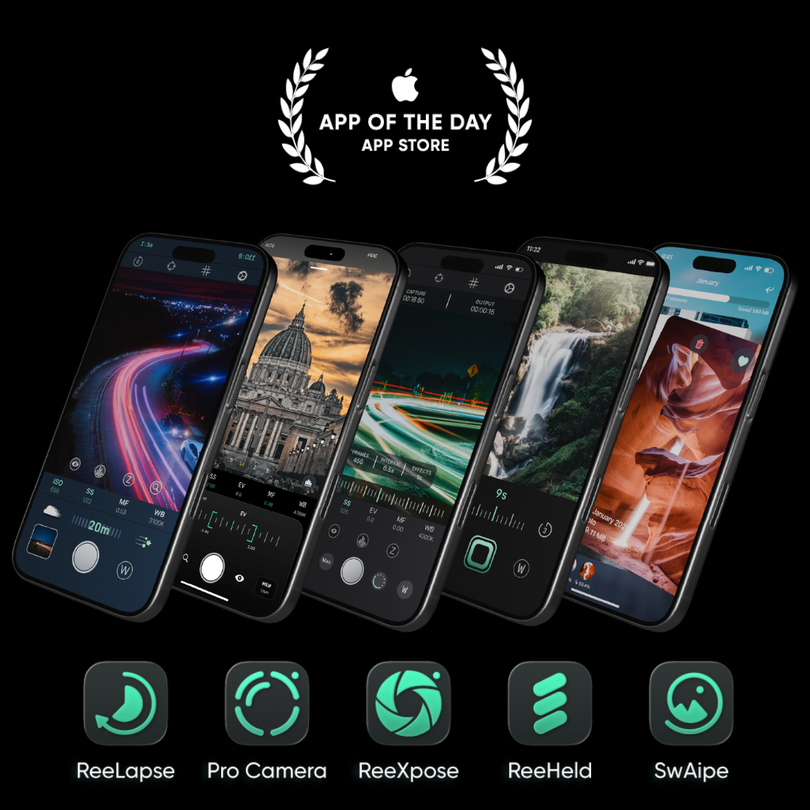
Don't let the black sky decide the focus. Magnify the preview and focus directly on the Moon. REEFLEX Pro Camera gives you manual controls that make precise focusing easier. [7]
Give the Moon More of the Frame
The Moon often appears much smaller in a phone photo than it does to your eyes. A longer optical focal length lets you frame it tighter without depending as heavily on aggressive digital cropping. [5]
Close-Up or Foreground?
Choose the composition based on where the Moon appears in your sky.
Shoot the Eclipse Close-Up
When the Moon is well above the horizon, use a long focal length to concentrate on Earth's shadow, the lunar surface and the changing color of the eclipse.
Use a Foreground
When the Moon is low, use mountains, architecture, trees, skylines or coastlines to add scale and context.
Reach. Stability. Control.
Three tools working together as one complete iPhone shooting setup for the eclipse.

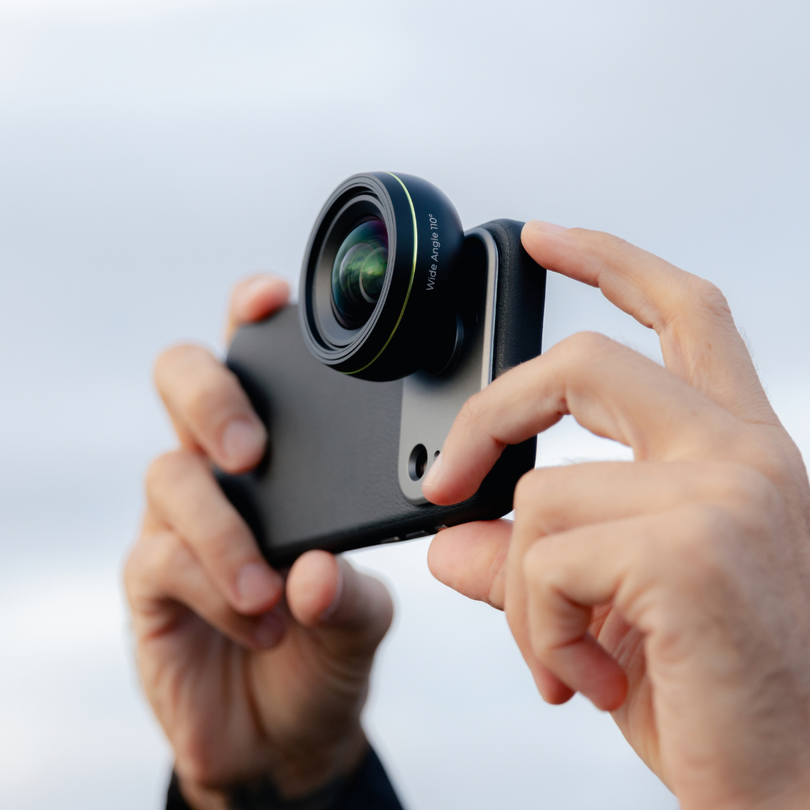
Ultra Telephoto 300–600mm
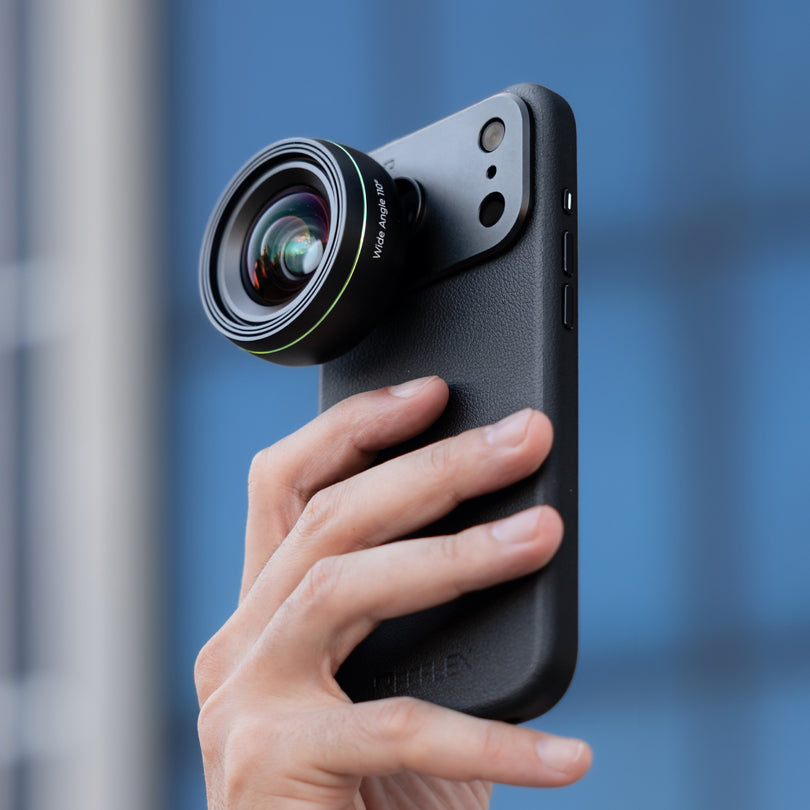
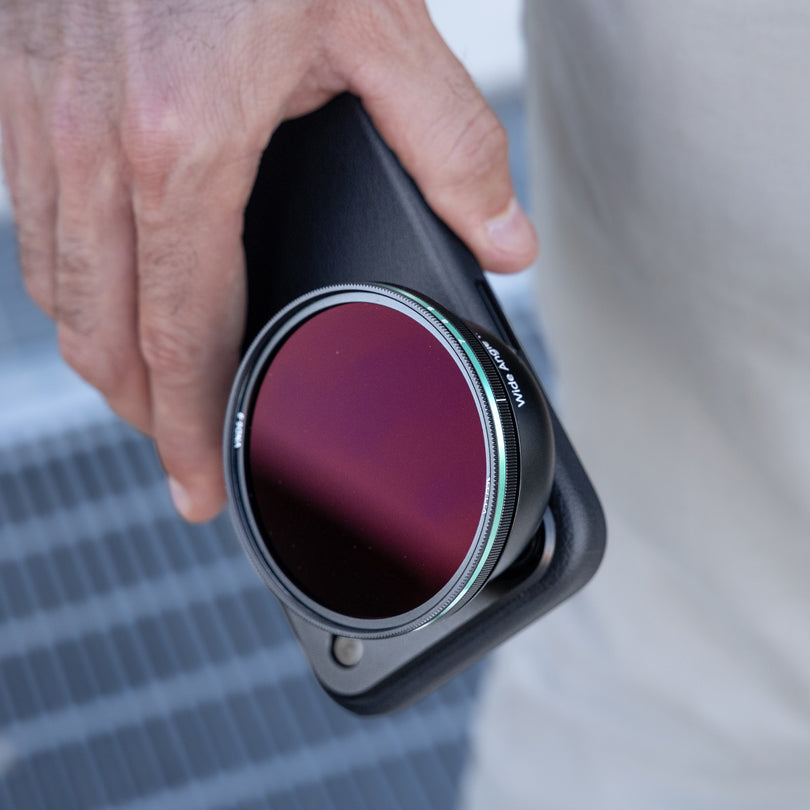
Give the Moon more presence in the frame with optical reach. On iPhone 17 Pro and Pro Max, shoot at 300mm in 48MP or reach 600mm at 12MP. [8]

Compact Tripod
Keep your iPhone stable at long focal lengths and as exposure times increase during the darker stages of the eclipse. [9]

REEFLEX Pro Camera
Take manual control of ISO, shutter speed, focus and exposure while shooting RAW with tools designed for precise iPhone photography. [7]
Sources & Further Reading
Astronomical data and lunar-photography guidance are based on NASA, the U.S. Naval Observatory and official product documentation.
- NASA Scientific Visualization Studio — August 27–28, 2026 Deep Partial Lunar Eclipse — eclipse classification, 96.3% umbral coverage, visibility, visualization and copper coloration.
- NASA Goddard Space Flight Center — Eclipses During 2026 — official eclipse contact times.
- U.S. Naval Observatory — Phases of the Moon — timing of the August 28, 2026 full Moon.
- NASA Science — Lunar Photography Guide — stabilization, exposure, focus, RAW and timer guidance.
- NASA Science — How to Photograph the Moon — planning, telephoto framing and foreground composition.
- Apple — iPhone 17 Pro Technical Specifications — Fusion Telephoto and f/2.8 aperture.
- REEFLEX Pro Camera — App Store — manual camera controls and RAW capture.
- REEFLEX — Ultra Telephoto 300–600mm — focal lengths, resolution and compatibility.
- REEFLEX — Compact Tripod — product information.
- U.S. Naval Observatory — Lunar Eclipse Computer — local eclipse circumstances for a specific observing location.