




Master Your Ultra Telephoto
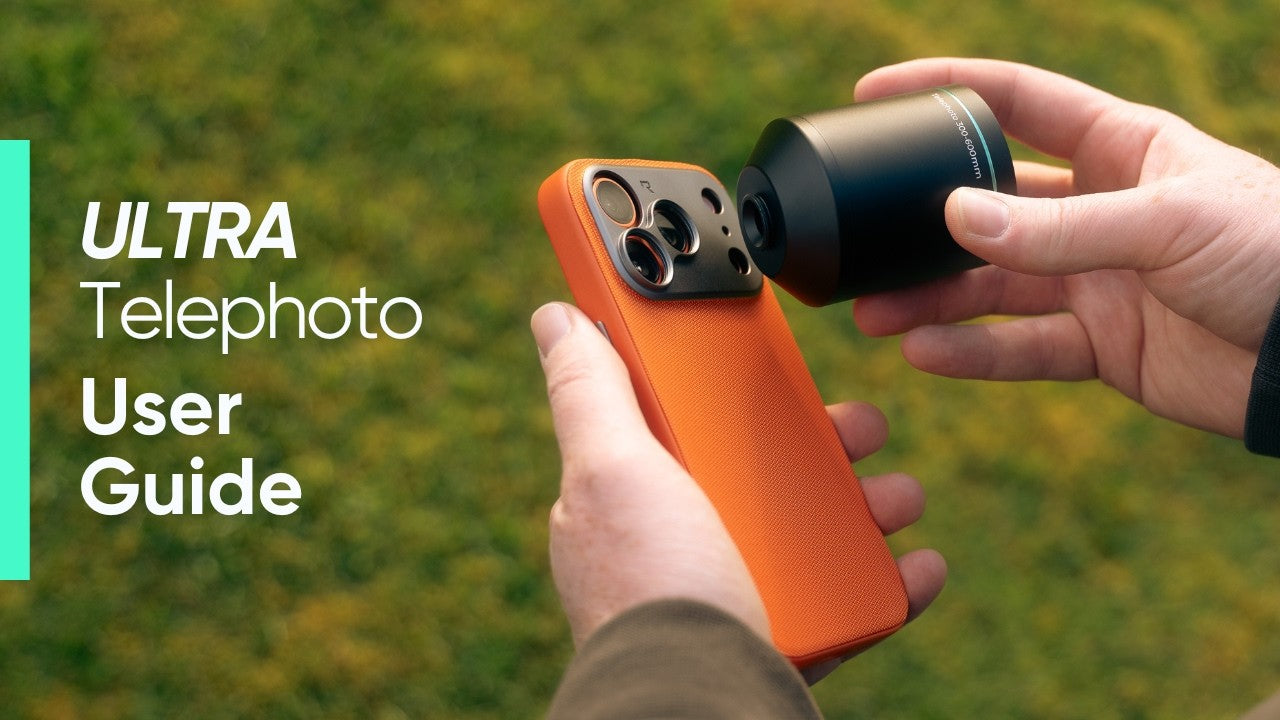
Watch the official guide and learn how to set up your Ultra Telephoto, choose the right focal length, improve stability, focus correctly, and get sharper long-range shots with your phone.
Everything You Need Before Your First Shoot
The Ultra Telephoto 300–600mm gives your phone extreme reach, but the best results come from the right setup, stable handling, accurate focus, and the correct shooting format.
This guide walks you through the essential steps so you can start shooting with more confidence from day one.
What You’ll Learn
Mounting the Lens
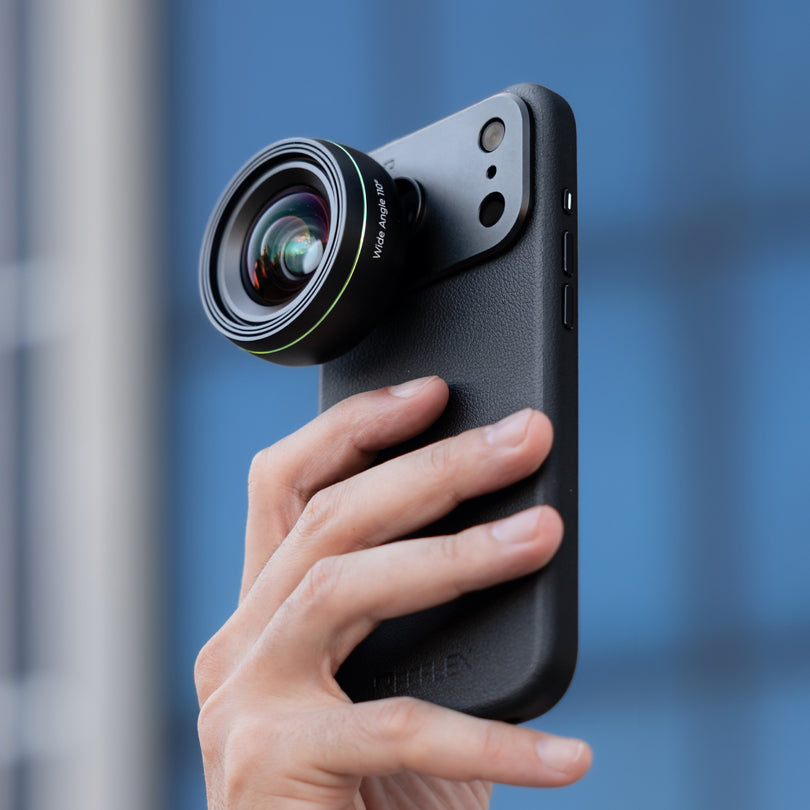
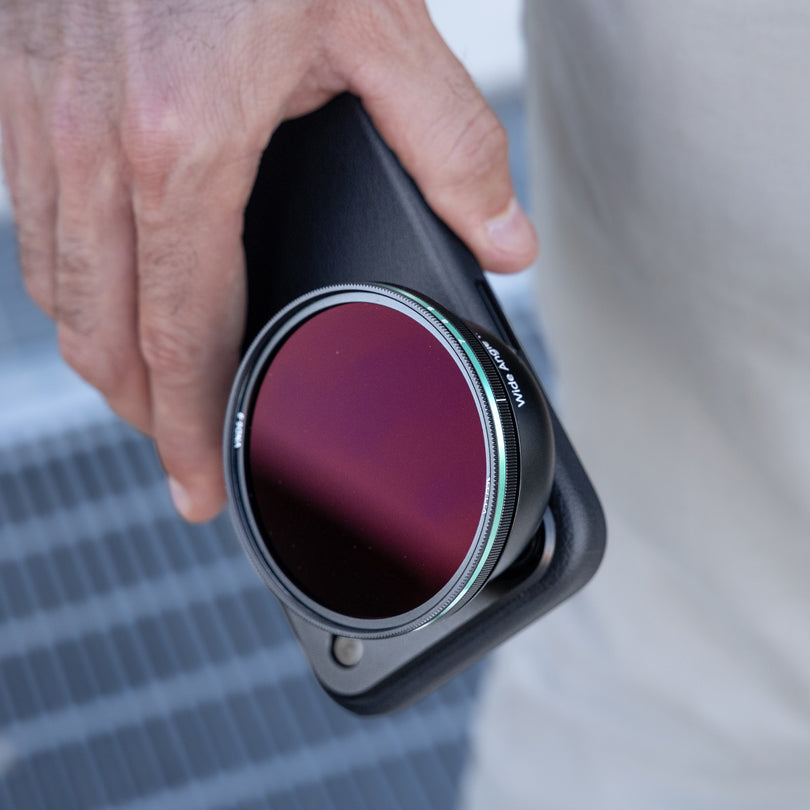
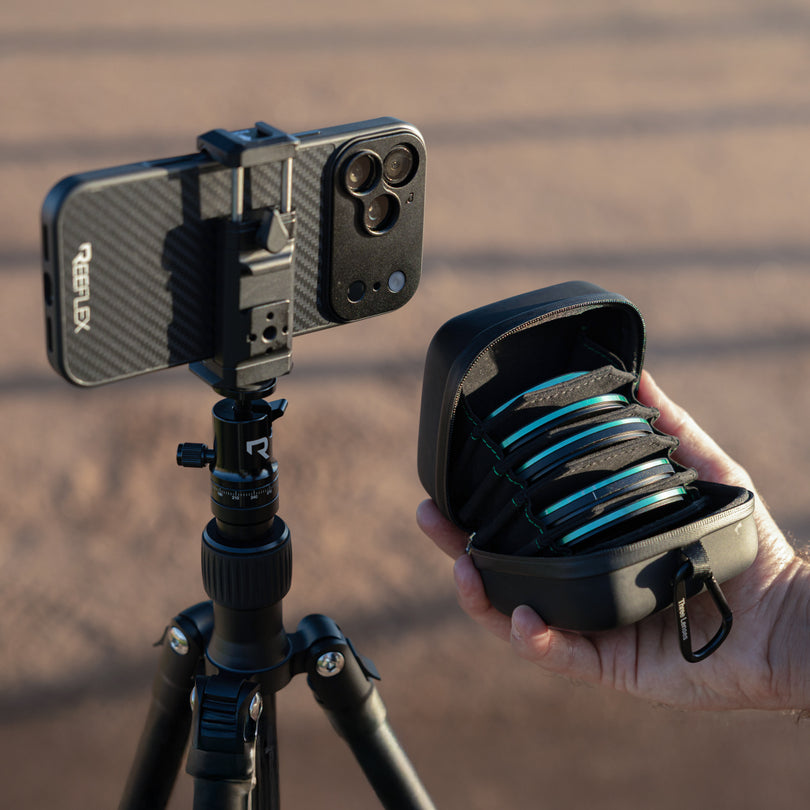
Attach the Ultra Telephoto correctly using the 17mm thread mount and a compatible REEFLEX case.
300mm and 600mm Modes
Understand when to shoot at 300mm and when to switch to 600mm for maximum reach.
Focus and Distance
Use the focus reticle and keep the minimum focus distance in mind for sharper results.
Handheld Stability
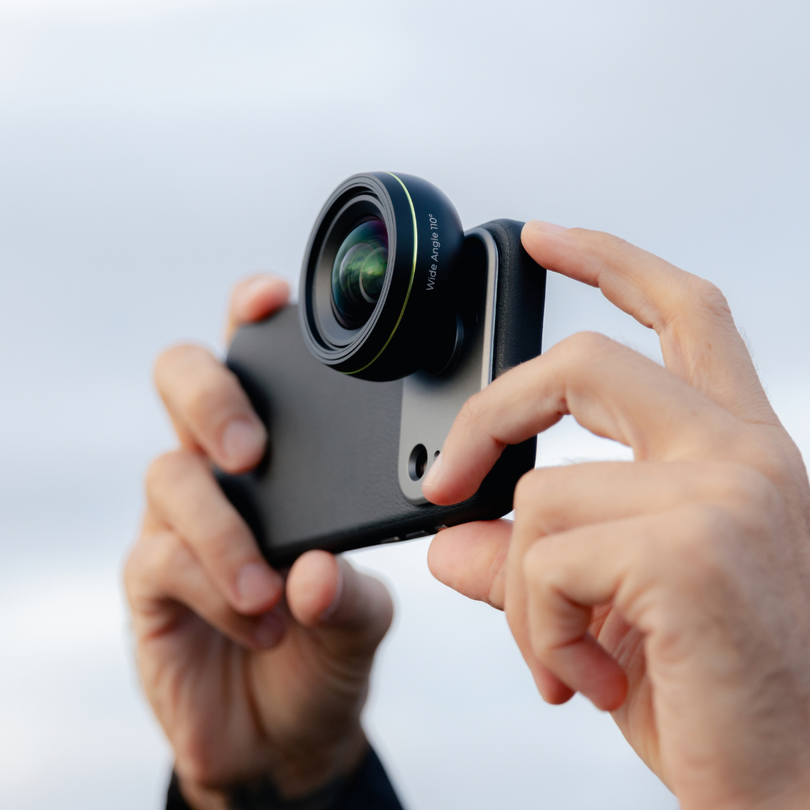
Learn how to hold the phone and lens more securely to reduce camera shake.
RAW, ProRAW and JPEG
Choose the right format depending on resolution, editing flexibility, and lighting conditions.
Image Quality
See why good light is essential for cleaner, sharper, more detailed long-range images.
Key Things to Remember
A few essential shooting notes to keep in mind before using the Ultra Telephoto 300–600mm in the field.
Use the Telephoto Camera
The Ultra Telephoto is designed to work with your phone’s telephoto camera, not the main camera.
Respect the Minimum Focus Distance
The focus range starts at 6.8m, so subjects that are too close will not appear sharp.
Support the Lens, Not Just the Phone
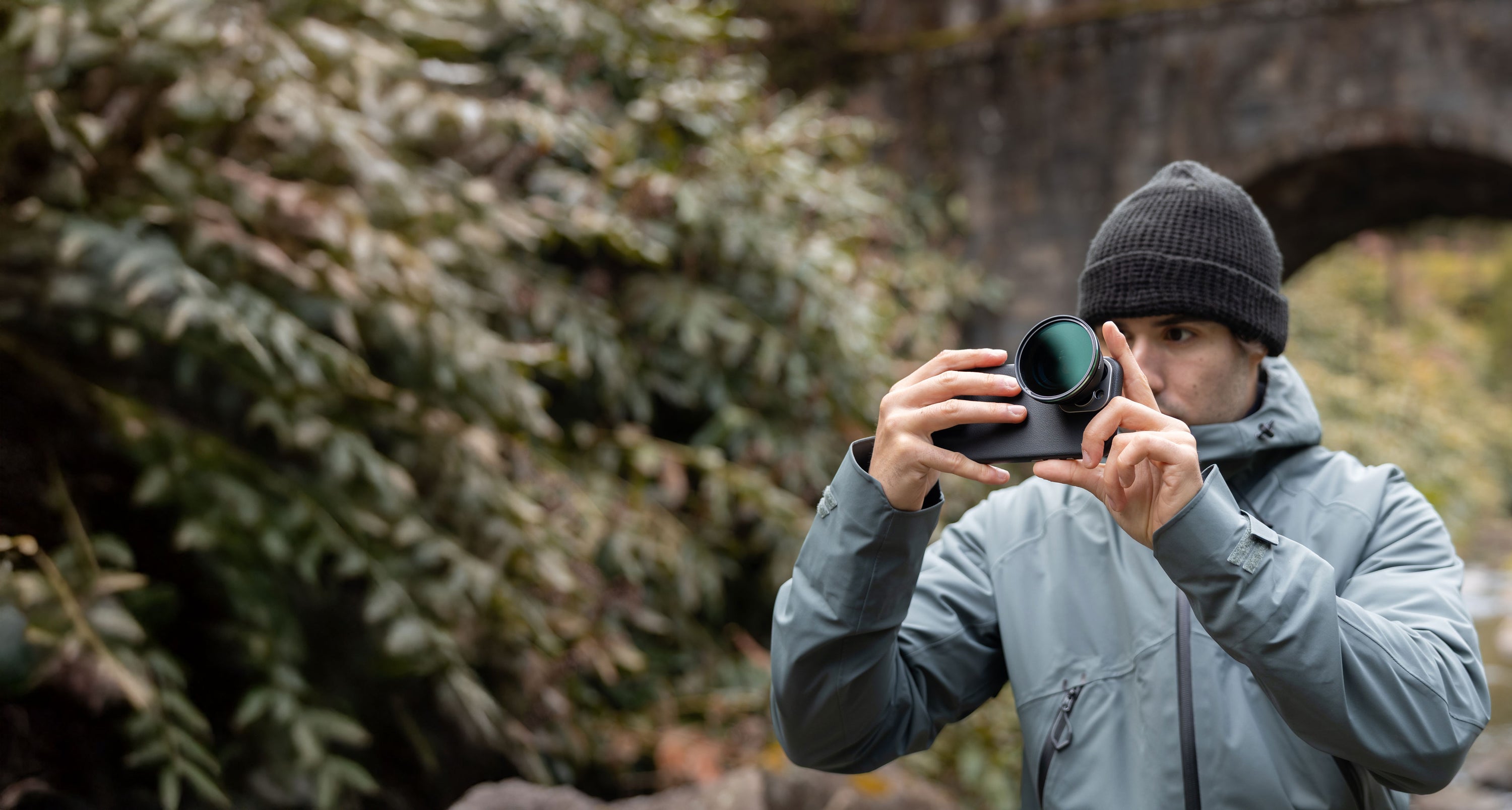
Let the lens rest against your hand to reduce strain, improve balance, and make handheld shooting more stable.
Light Changes Everything
More light means faster shutter speeds, cleaner files, and a higher chance of sharp handheld results.
Ready to Start Shooting?
Watch the full guide, get familiar with the setup, and start exploring what the Ultra Telephoto 300–600mm can do with your phone.