




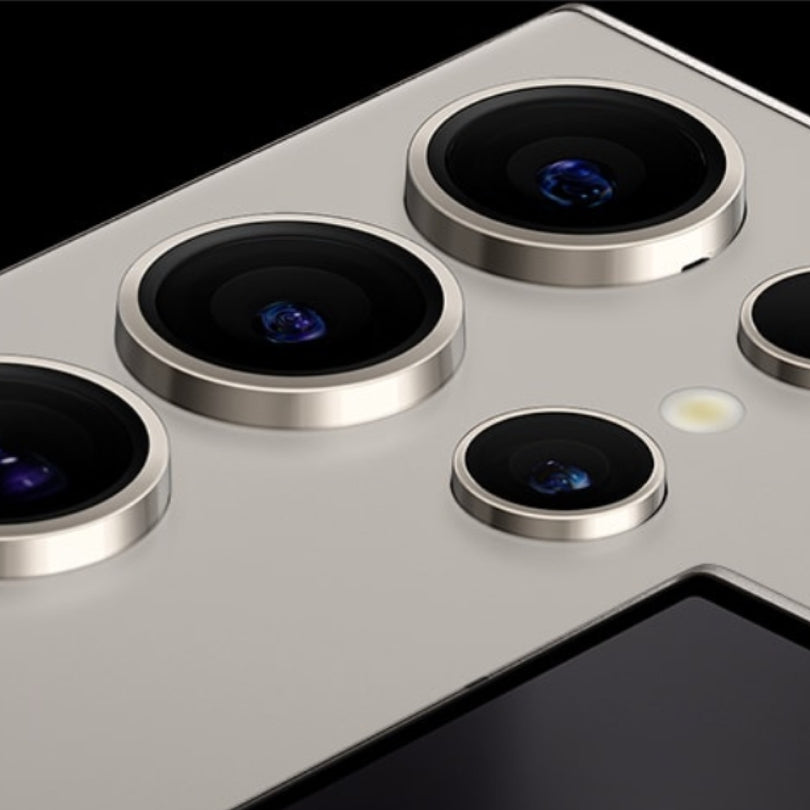
Camera Layout on Samsung Galaxy S Series
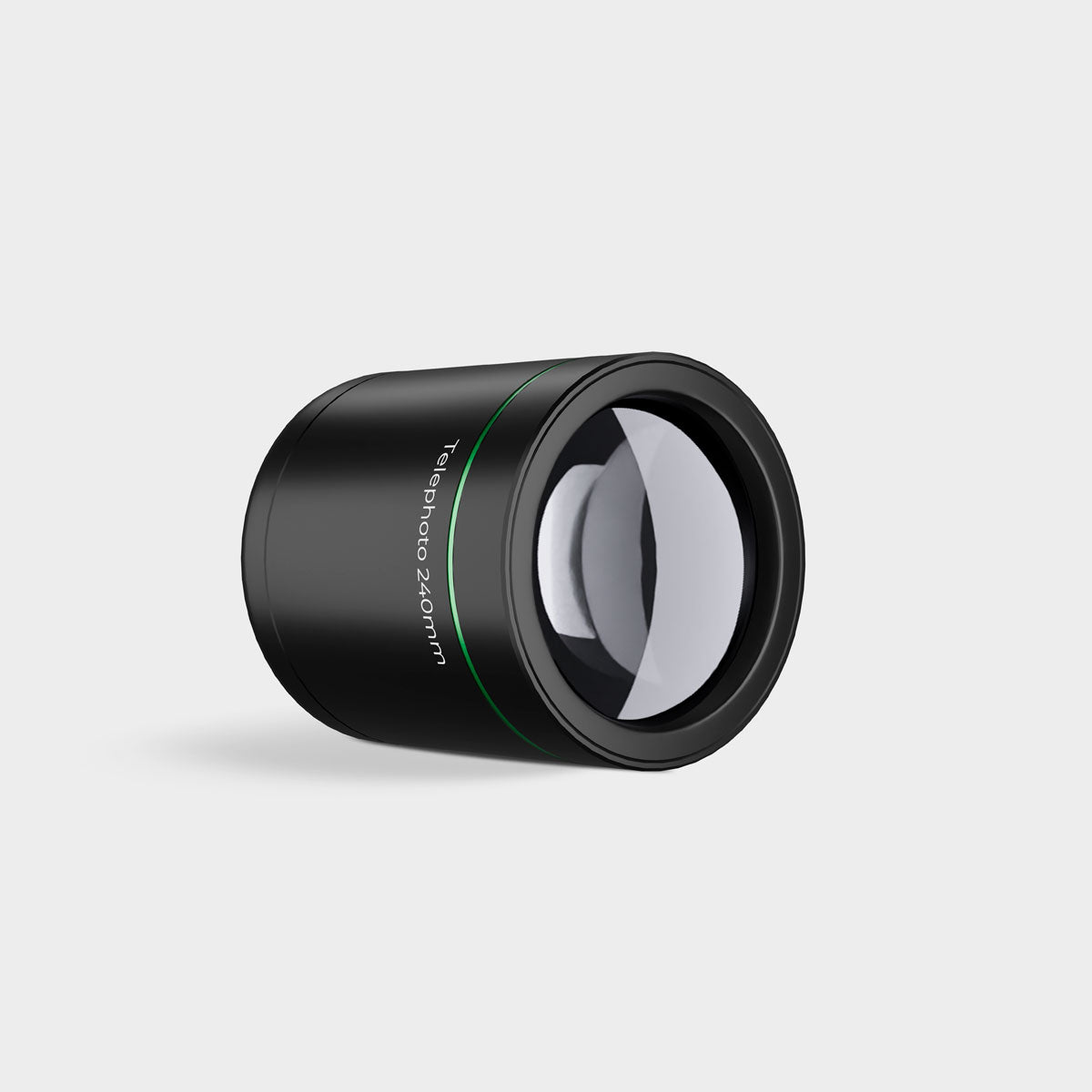
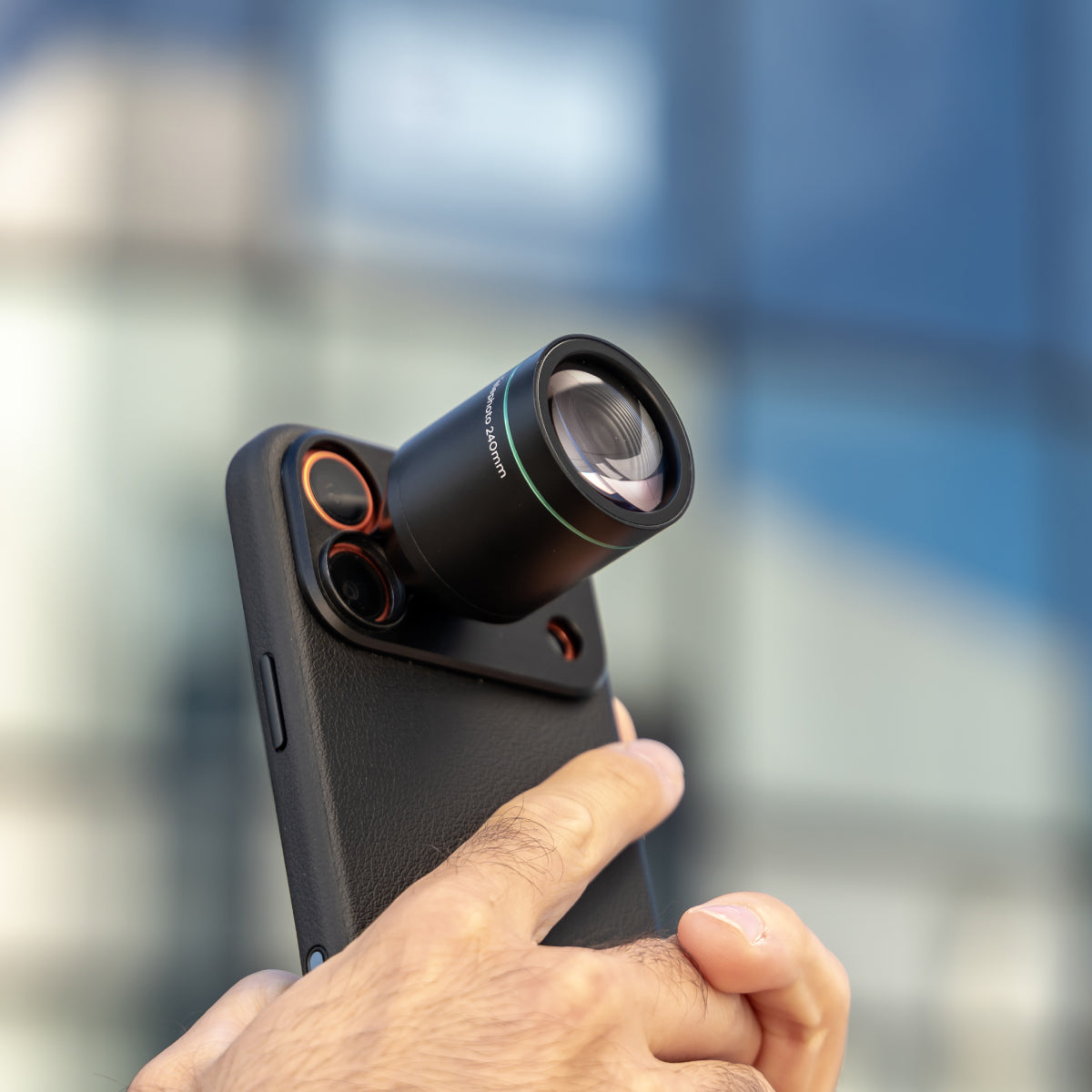
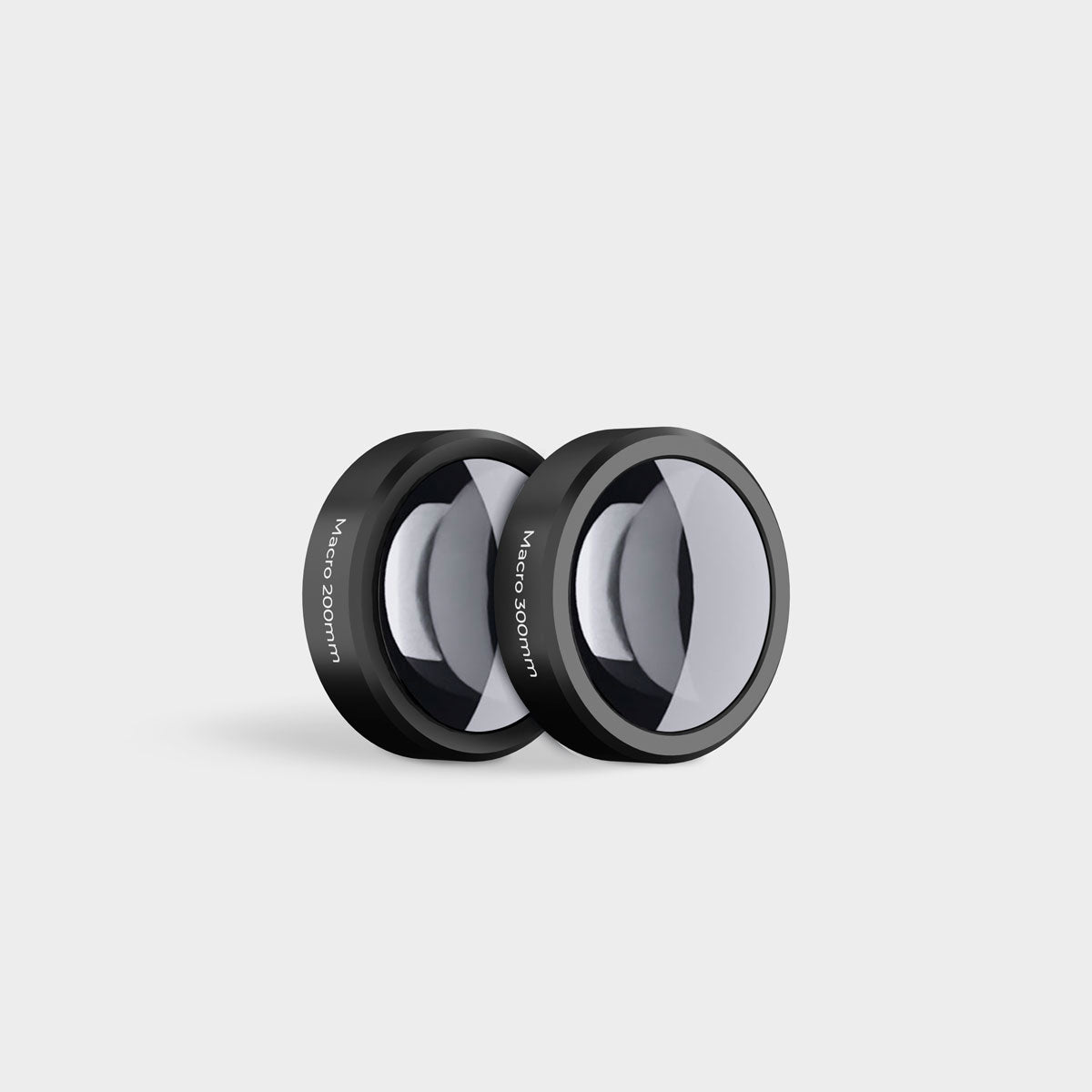
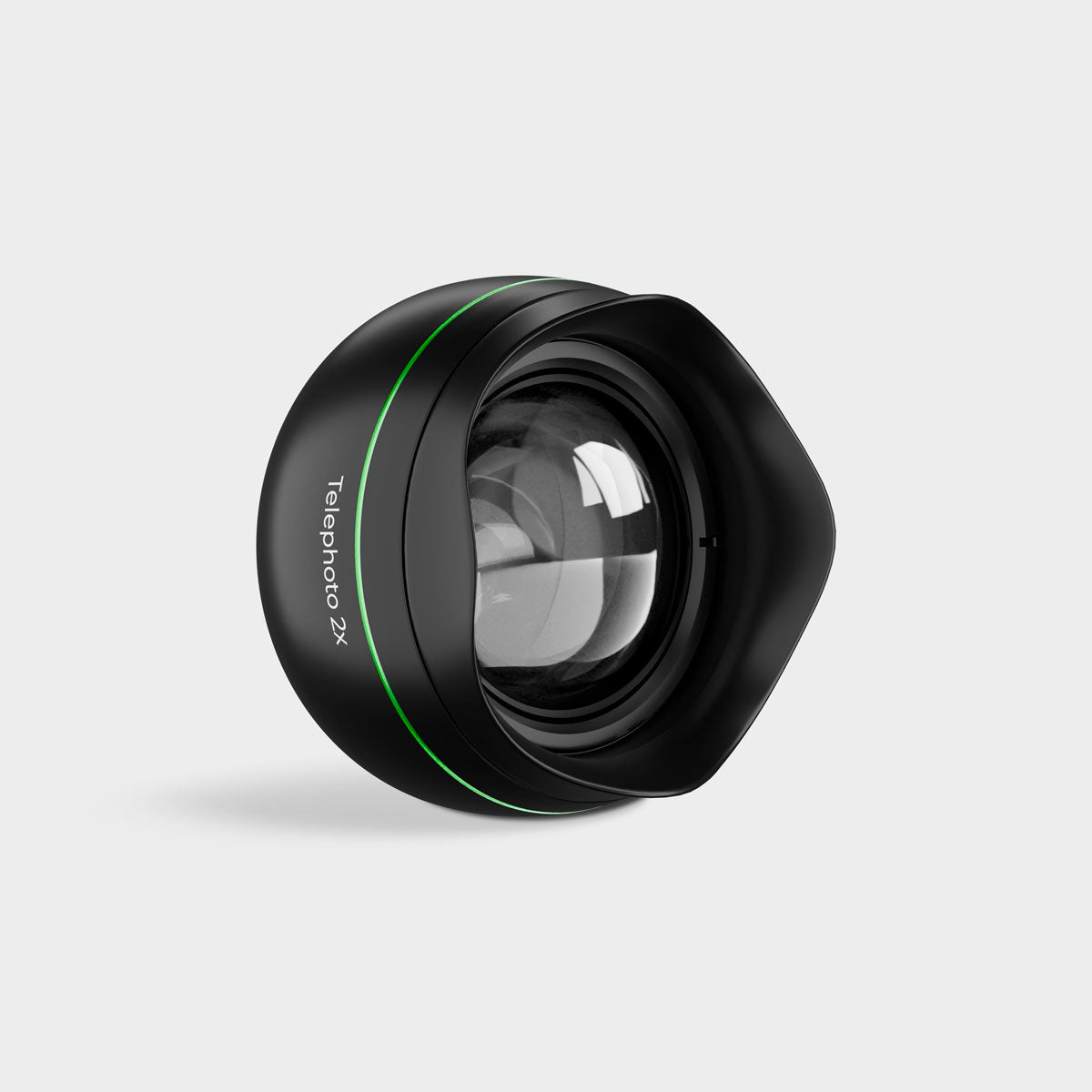
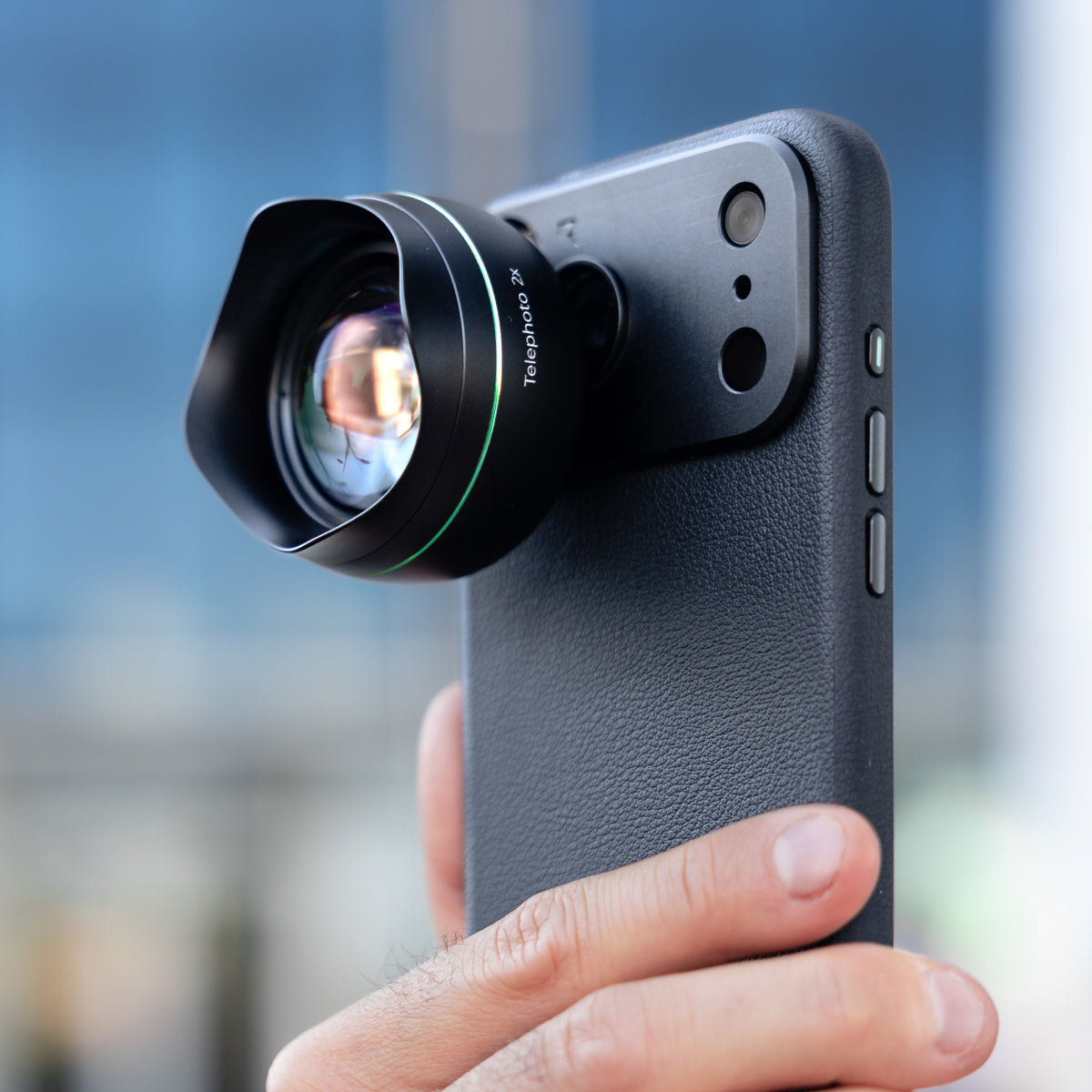
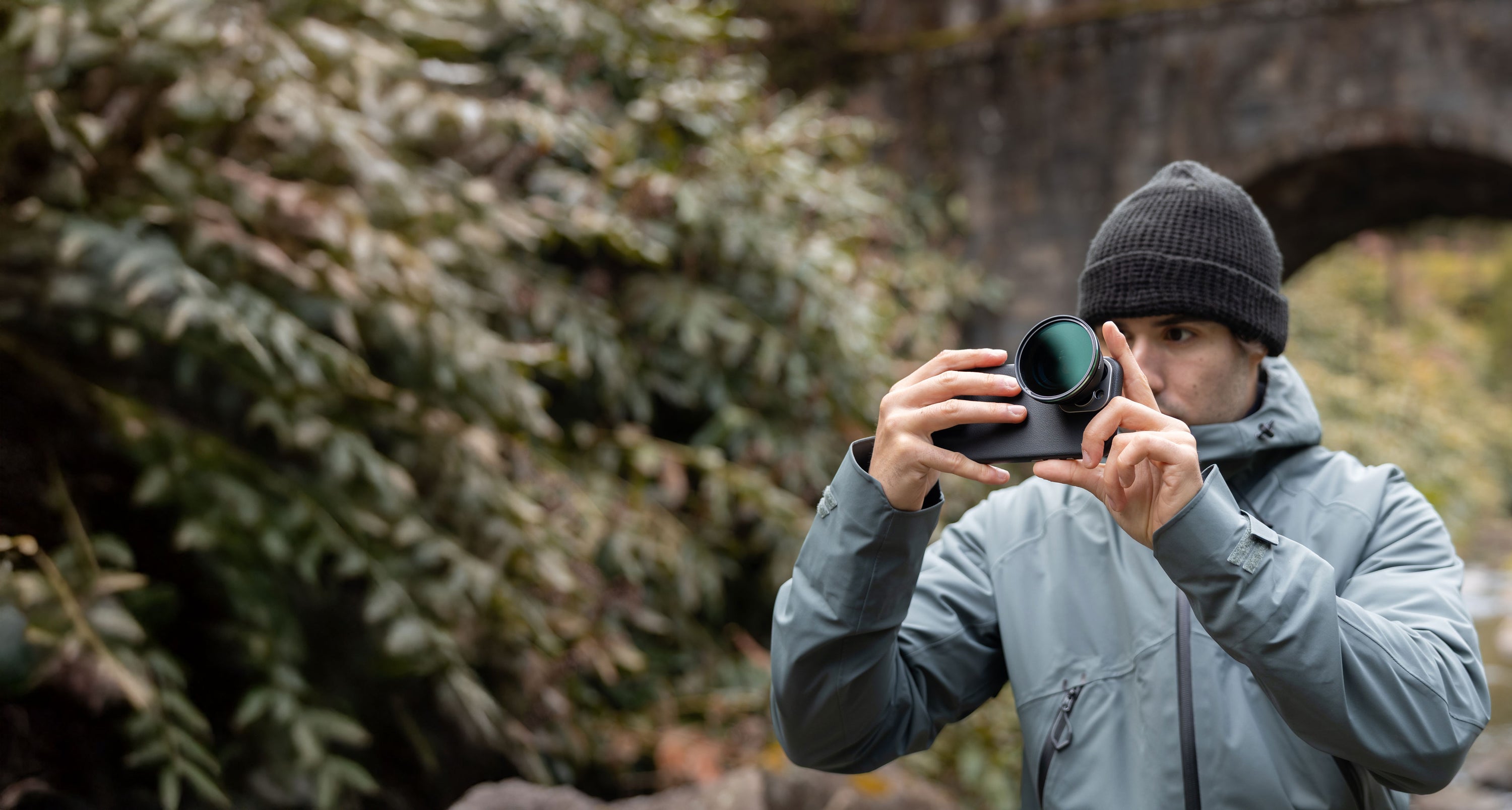
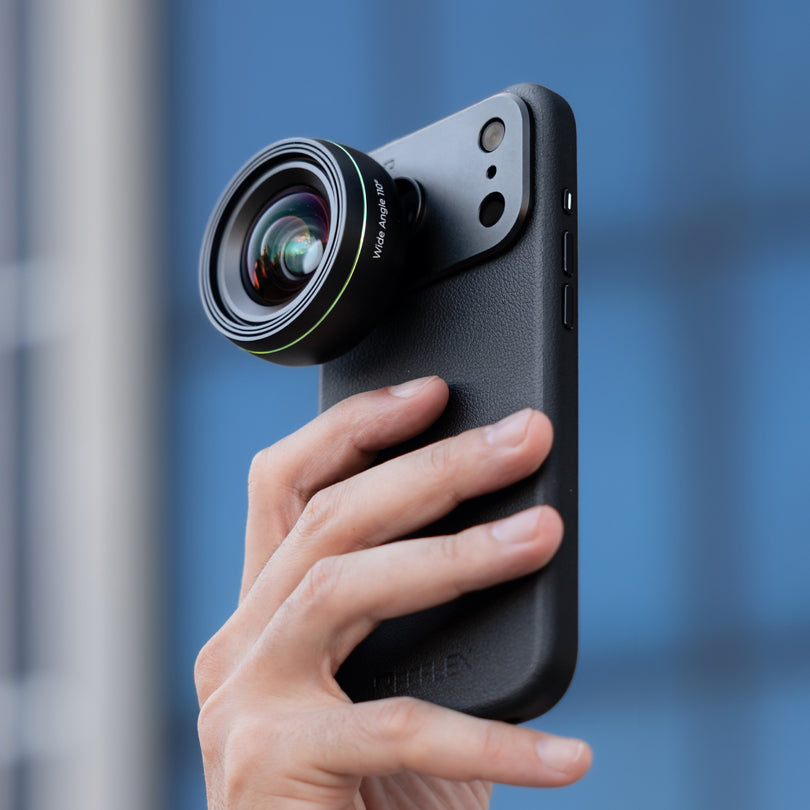
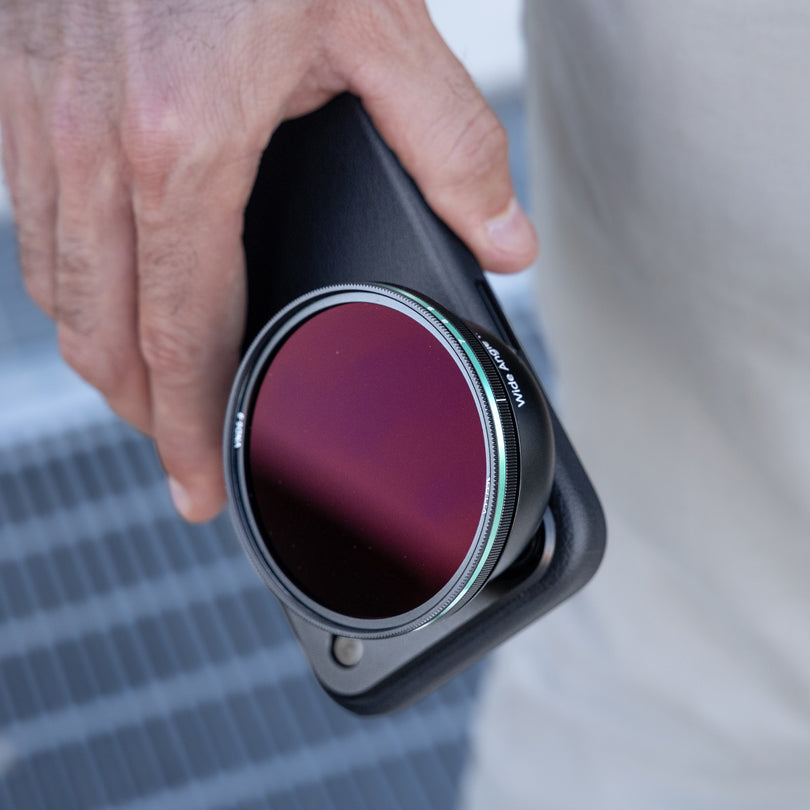
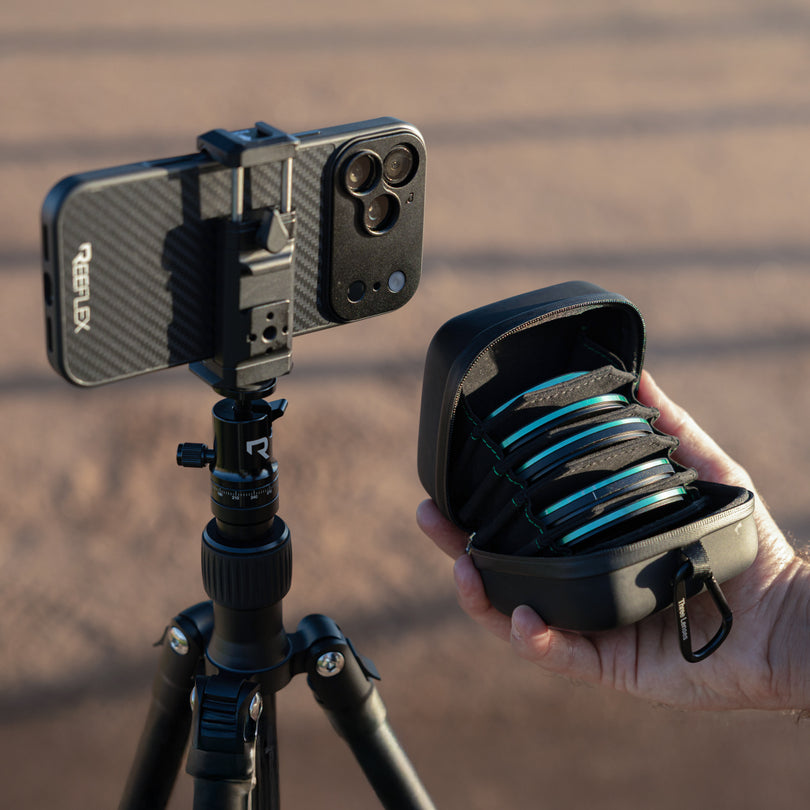
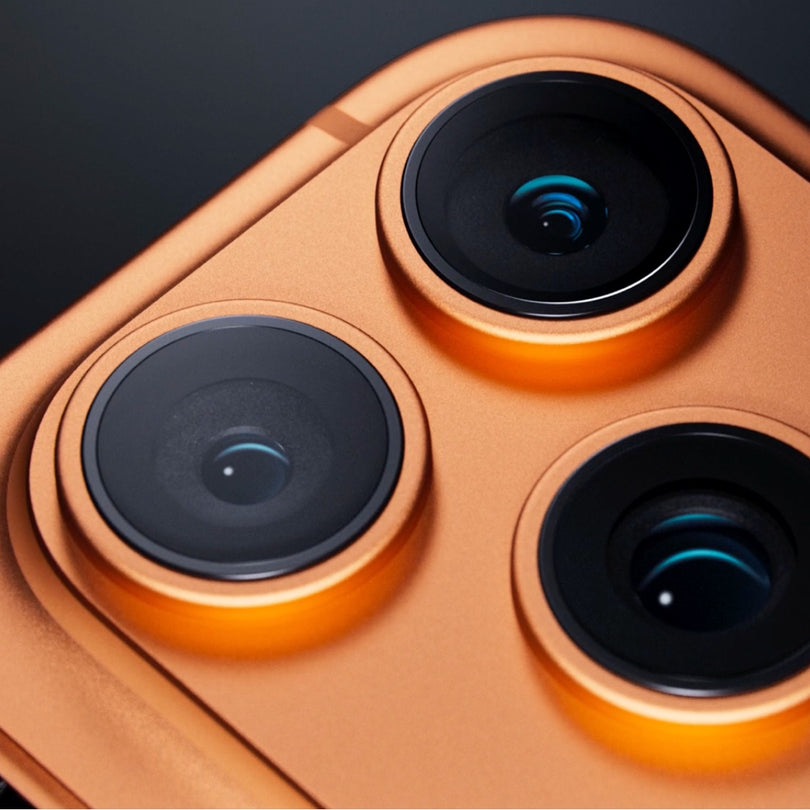
Knowing the layout and role of each camera on your Samsung Galaxy device is essential when using Reeflex lenses and filters. Whether you’re using any of the Galaxy S Series — especially the Ultra models with their powerful multi-lens systems — this page helps you clearly identify each camera (Ultra-Wide, Wide, Telephoto, Periscope) and where it’s physically located.
Samsung’s camera configurations can vary significantly across standard and Ultra models, particularly with features like periscope zoom and sensor sizes. To get precise alignment for your accessories and achieve the highest image quality, check the official diagrams below for a detailed breakdown of each device.
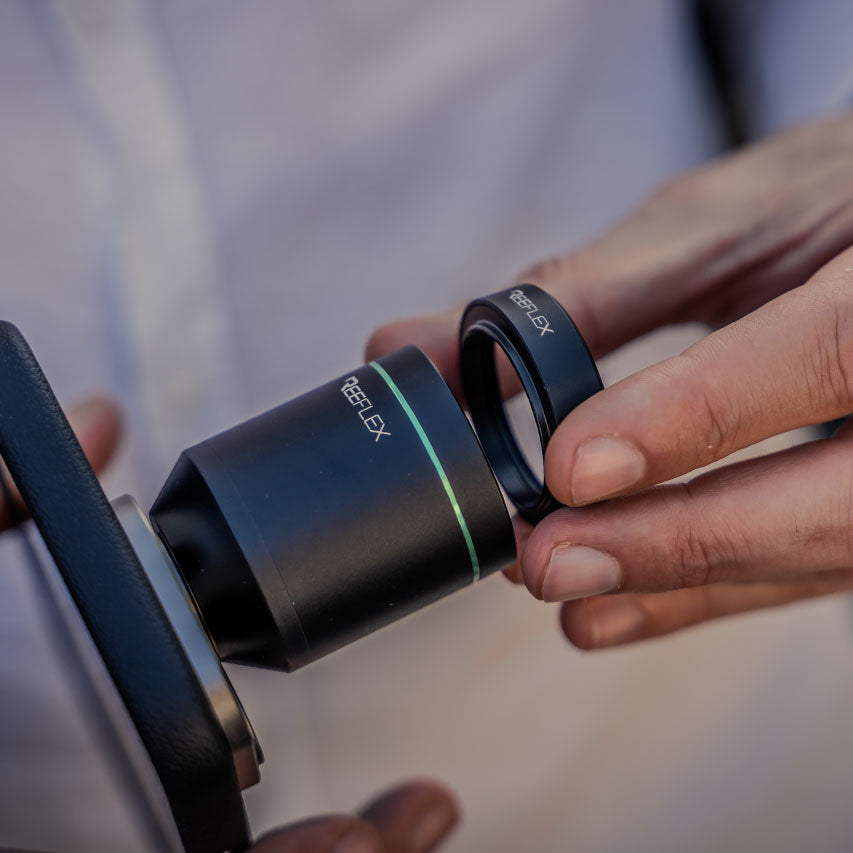
Use this guide to ensure your Reeflex gear is mounted on the correct lens every time — making your mobile photography more intuitive and effective.
Samsung S26 Ultra

Samsung S25 Ultra

Samsung S24 Ultra

Samsung S23 Ultra